

Connect Formpiece to AroFlo with an API token
The AroFlo credential holds the API token Formpiece uses to create clients, locations, contacts, tasks and quotes in your AroFlo account. The account has one, chosen under Settings, then AroFlo Credentials, and every AroFlo lead form sends with it. The task type, priority and business unit lists on a form's settings pages are read with it too.
Before you start
- Create an API token in AroFlo. The dashboard's help says: "From AroFlo, go to Settings > API Management > API v2 and create a token. AroFlo shows it once, so copy it before leaving the page."
- Note the expiry date AroFlo shows against the token.
Step by step
- Open AroFlo Leads, then Settings, then AroFlo Credentials.
- Click Create new AroFlo credential. On a new account the button is Create AroFlo credential.
- Give it a Name you'll recognise.
- Paste the token into AroFlo API Token.
- Enter the Token expires date from AroFlo.
- Click Save.
- Click Test Connection. "AroFlo accepted this token." means it works.
- Go back to AroFlo Leads, then Settings, then AroFlo Credentials.
- Pick the credential under AroFlo Credential.
- Click Update AroFlo credential.
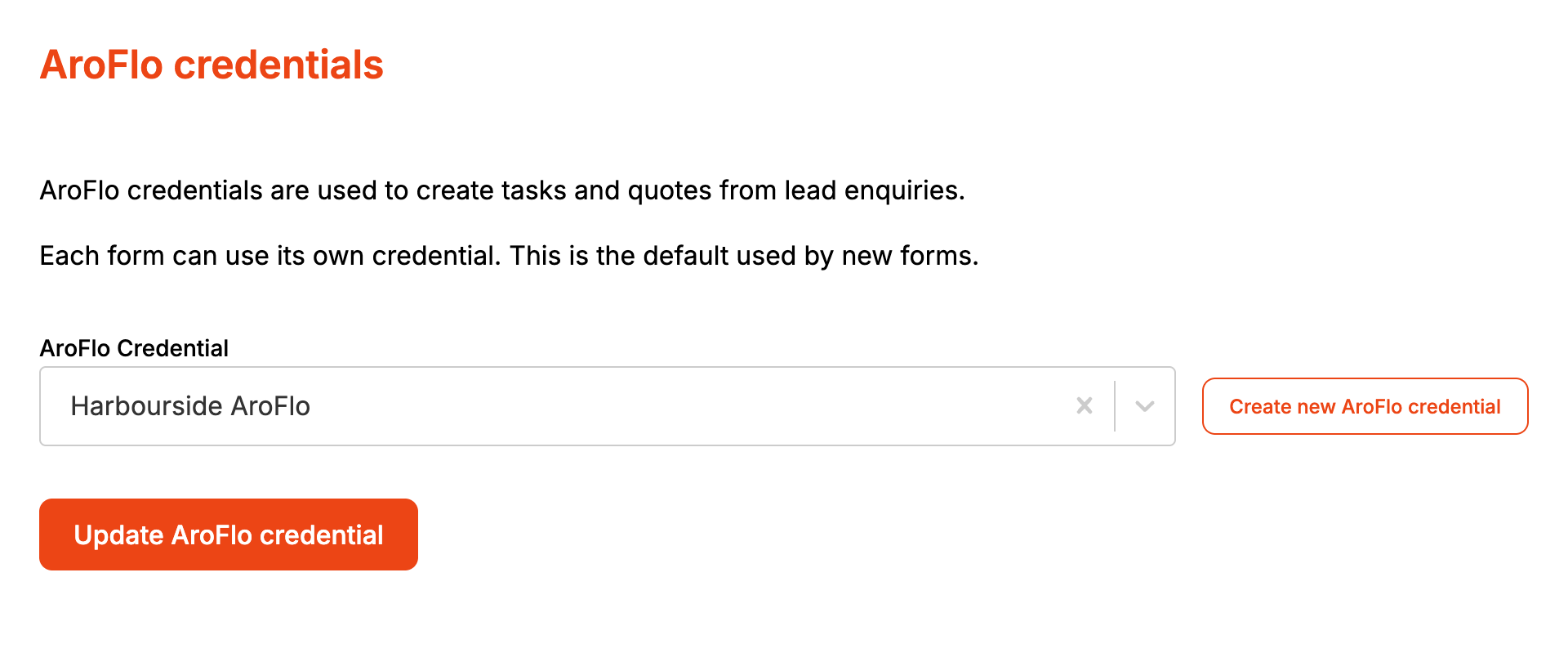
The change applies to every form from the next enquiry. Nothing needs republishing.
Test Connection only appears once the credential is saved. Within 30 days of the Token expires date, the credential's page warns how many days are left.
When it goes wrong
Enquiries fail with "The AroFlo API token expired on ..."
Formpiece stops sending from the Token expires date saved on the credential. Create a new token in AroFlo, open the credential from Integrations, paste the new token into AroFlo API Token, update Token expires, and click Save. Every form uses the new token straight away. Send the failed enquiries again from Enquiries (see Enquiries).
Formpiece checks the date you typed. A wrong Token expires date stops enquiries on that date even if AroFlo would still take the token.
"AroFlo rejected this token. It may have expired or been revoked."
AroFlo turned the token down when tested. Check you pasted the whole token, or create a new one.
Enquiries fail with "No AroFlo credentials are set for this account"
No credential is selected. AroFlo Credential can be cleared, and clicking Update AroFlo credential with it empty leaves every form without one. The Dashboard goes back to Getting started. Pick a credential and click Update AroFlo credential.
Enquiries fail with "AroFlo credentials not found"
The selected credential was deleted from Integrations. The Dashboard still shows a tick against AroFlo, because it only checks that one is selected. Pick another credential here.
"AroFlo is not available yet"
AroFlo is not enabled on this account, so there is nothing to create a credential against.
Task types or business units won't load on a form
Those lists are read from AroFlo with this credential. Test the credential from Integrations.
FAQ
Can one form send to a different AroFlo account?
No. A form has no credential setting of its own, so every form uses the one chosen here.
Do I need to change anything on my forms after replacing the token?
No. Paste the new token into the existing credential and every form picks it up.
