

Email your team about new and failed enquiries
Notifications sends your staff a plain text email for each enquiry that reaches AroFlo, and a separate email to a second list when one doesn't. Formpiece sends nothing to the customer. Customer notifications are set up in AroFlo.
Before you start
- Email notifications need a Lead form subscription. Without one the tab says "Email notifications are only available to Lead form subscribers."
- An archived form has no Notifications tab.
Step by step
-
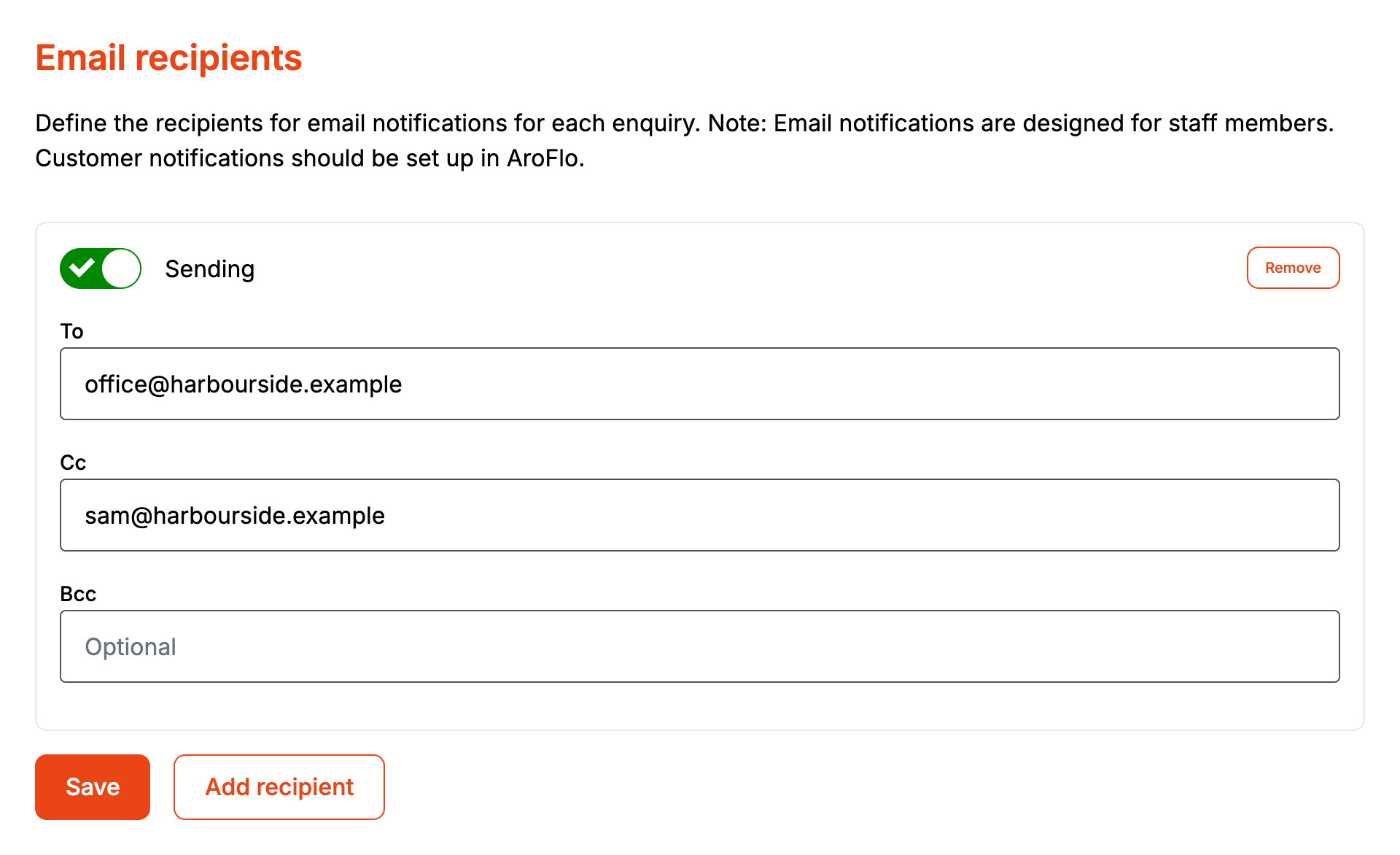
Open your form from Forms and click the Notifications tab. It opens on Recipients.
-
Click Add recipient.
-
In To, type one or more email addresses separated by commas. Add Cc and Bcc if you want them.
-
Leave the switch on Sending. Switch it to Paused to stop a row without removing it.
-
Click Save.
-
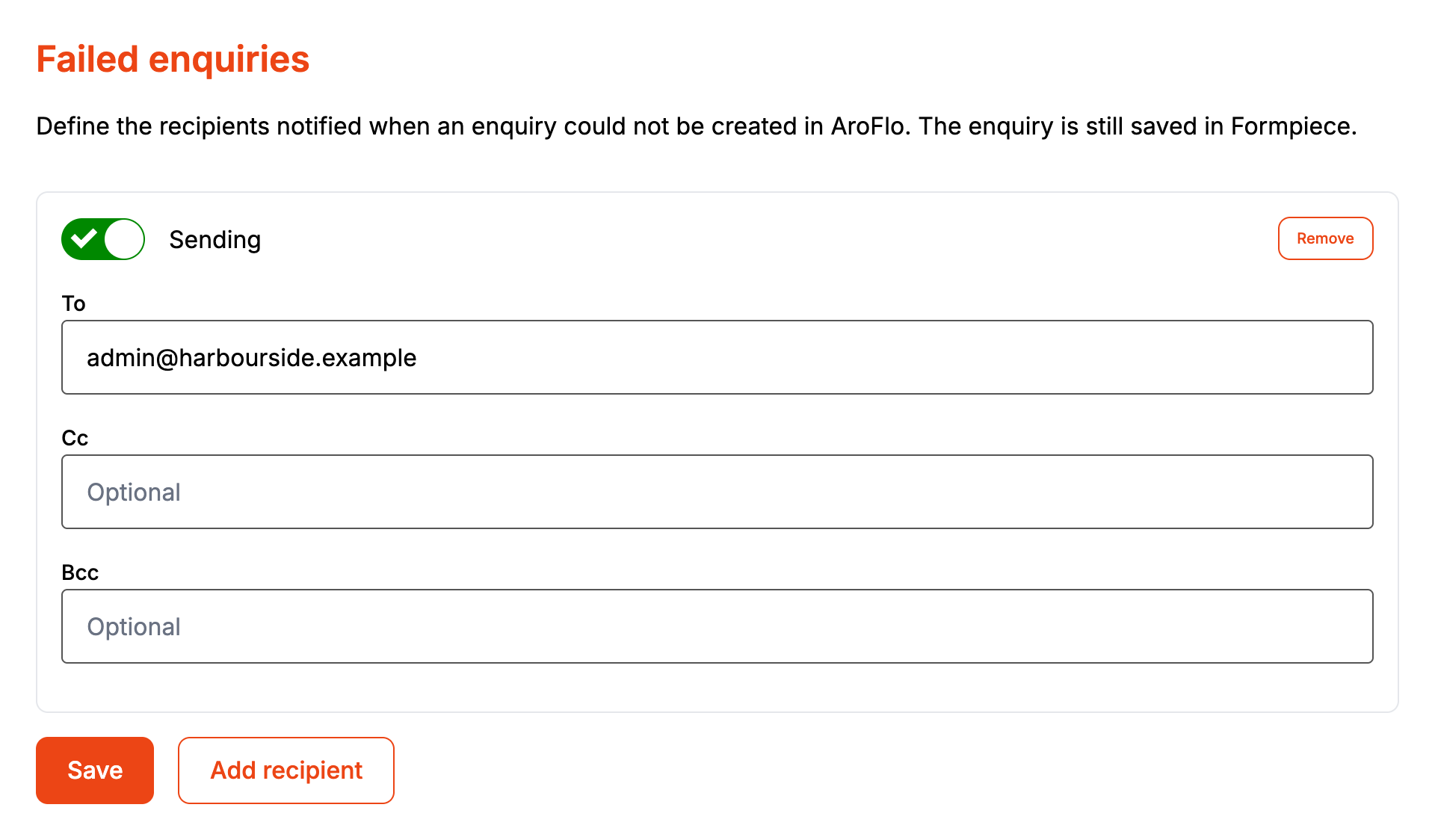
Click Failed enquiries and add the people who should hear when an enquiry goes wrong, the same way.
-
Click Save.
Each row is its own email. A row with nothing in To is dropped when you save, even if Cc or Bcc has an address.
The new enquiry email
The subject is "New enquiry - " and the form's name. It goes out once the task or quote has been created in AroFlo and lists:
- what the customer entered, under Client, Location, Contact and Enquiry
- under "Created in AroFlo", each record with its AroFlo ID. A client or location that was already in AroFlo is marked "(existing)".
Custom field answers and attachments aren't in the email. An enquiry that doesn't reach AroFlo sends no new enquiry email.
The failed enquiry email
The subject is "Enquiry not sent to AroFlo - " and the form's name. It gives the reason, the enquiry's ID, and what the customer entered. It is sent in two cases.
The task or quote wasn't created. The reason names the cause:
- No AroFlo credentials are set for this account
- AroFlo credentials not found
- The AroFlo credentials hold no API token
- The AroFlo API token expired on (date)
- Could not create the client in AroFlo
- AroFlo did not return a client
- Could not create the task in AroFlo, or the quote
- AroFlo did not return a task, or a quote
- The enquiry could not be sent to AroFlo, or another error message, when something unexpected stopped it
The task or quote was created but something else on the way wasn't. The reason reads "The enquiry reached AroFlo, but part of it did not." This covers a failed search for an existing client or location, a location or contact AroFlo refused, a task note that wasn't saved, and custom field values AroFlo refused. The new enquiry email goes out as well.
Either way the enquiry is saved in Formpiece. Open it under Enquiries to see the reason, and anything AroFlo replied under "What AroFlo said".
When it goes wrong
Nobody got an email for an enquiry
Open it under Enquiries. If it says "This enquiry did not reach AroFlo", the new enquiry email wasn't sent and the Failed enquiries list got the failure email instead. Otherwise check the row is set to Sending and has an address in To.
The email says "Enquiry not sent to AroFlo" but the task is there
That is the partial case. The subject is the same for both. Read the reason line: "The enquiry reached AroFlo, but part of it did not." means the task or quote exists and something attached to it didn't make it.
The same failure email arrived twice
Every attempt sends it. Clicking Send to AroFlo again on the enquiry page and failing again sends another one. A person listed in two rows also gets two copies.
Our subscription ended and the emails kept coming
Saved recipients keep receiving emails after a subscription ends, but the Notifications tab is locked, so they can't be changed there.
FAQ
Can the customer get a confirmation email?
Not from Formpiece. Set customer notifications up in AroFlo.
Can I change what the email says?
No. Both emails are plain text in a fixed layout.
