

Screen lead form spam with reCAPTCHA or Turnstile
Captcha checks each submission with Google reCAPTCHA v3 or Cloudflare Turnstile before Formpiece saves it. A submission that fails the check is refused, so it never becomes an enquiry or a Simpro lead. Captcha works on every plan.
Before you start
- Save your keys as a credential under Integration Credentials. Click Create Integration Credential and pick reCAPTCHA v3 or Turnstile.
- reCAPTCHA needs a reCAPTCHA v3 Site Key and a reCAPTCHA v3 Secret Key. They have to be reCAPTCHA v3 keys.
- Turnstile needs a Turnstile Site Key and a Turnstile Secret Key. Create the widget in your Cloudflare dashboard under Turnstile, and add the hostname your form is embedded on to the widget before you save the keys.
Step by step
-
Open your form from Forms. If it opens in Form UI, switch to Config. Then open Settings, then Captcha.
-
Turn on Allow captcha.
-
Pick your credential from Choose Integration credentials. Only reCAPTCHA v3 and Turnstile credentials are listed, each with its provider in brackets.
-
Click Save.
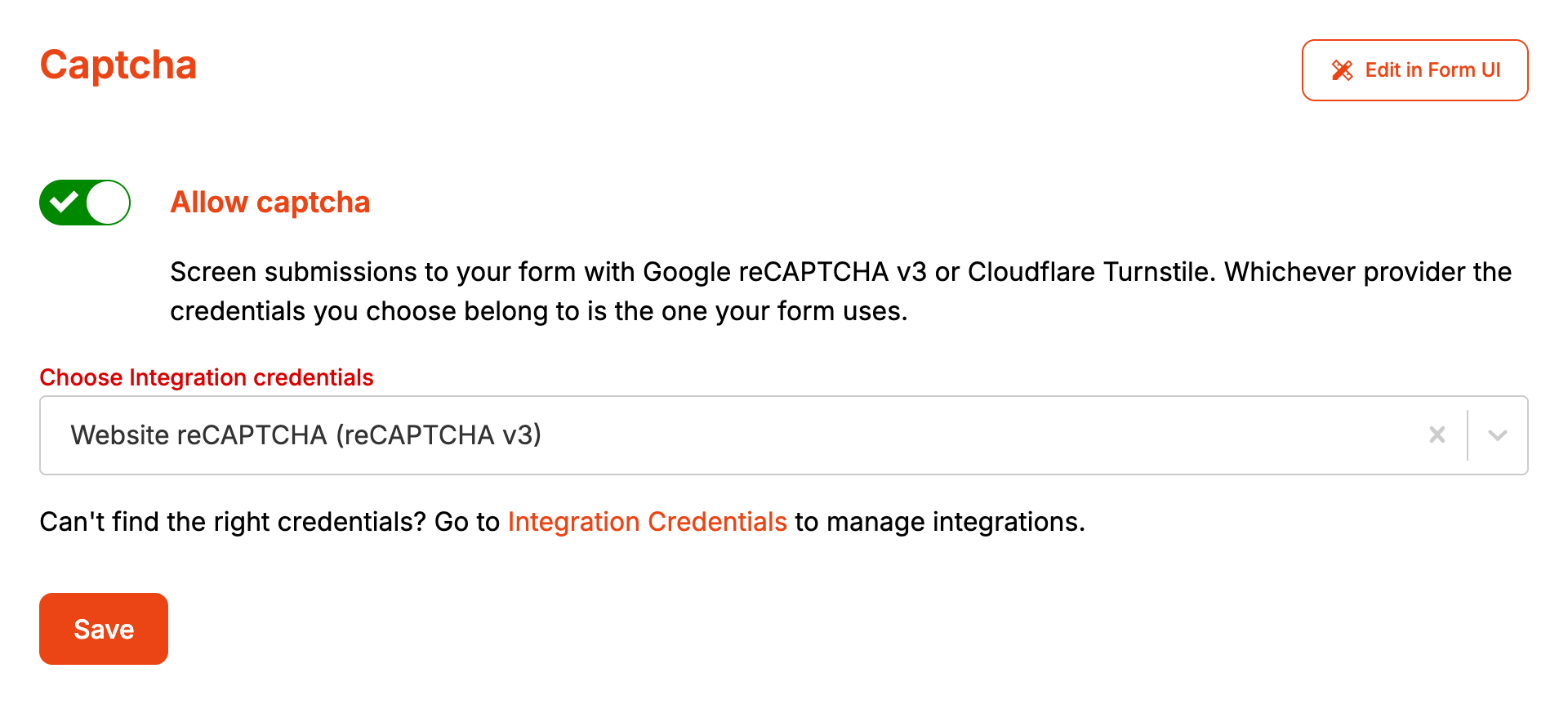
The form uses whichever provider the chosen credential belongs to. To change provider, pick a different credential.
The check runs when the customer clicks Confirm enquiry. reCAPTCHA v3 never asks the customer to do anything. Turnstile can show a challenge at the bottom of the screen when Cloudflare wants a closer look, and the customer has two minutes to complete it.
When it goes wrong
Customers see "Captcha verification failed"
The full message is "Could not make your enquiry. Please try again. (Captcha verification failed.)". Formpiece checked the submission and refused it. A refused submission never becomes an enquiry, so it doesn't appear under Enquiries and no failed notification email goes out.
- Allow captcha is on and Choose Integration credentials is empty. The page saves this without complaint, and every enquiry is then refused. Form UI flags it as "Captcha is on with no credentials chosen".
- Google or Cloudflare rejected the token. Check the site key and secret key in the credential come from the same reCAPTCHA or Turnstile setup.
- reCAPTCHA scored the submission below 0.5.
- Google or Cloudflare didn't answer within five seconds. Formpiece refuses any submission it couldn't check.
Customers see "There has been an issue sending your enquiry"
With captcha on, this can mean the form couldn't get a token from the provider:
- The provider's script was blocked, by a browser extension for example, or didn't load in time.
- The customer didn't finish the Turnstile challenge within two minutes.
- The page's hostname isn't on the Turnstile widget in Cloudflare.
FAQ
How strict is reCAPTCHA?
Google scores each submission from 0.0 to 1.0. Formpiece refuses anything below 0.5, the cut-off Google suggests. The threshold can't be changed from the dashboard.
Can several forms use the same credential?
Yes. Any form can pick any captcha credential. With Turnstile, every hostname those forms are embedded on has to be on the widget.
