

Less tenant chasing. More rental safety checks booked.

How Syncom schedules smoke alarm and minimum standards checks across Victoria

For trades servicing real estate agents, getting the work order is only the start. There is still a tenant to contact and a visit to arrange. Syncom uses Formpiece to let tenants book from available times, with a personalised link sent through Podium and the visit scheduled automatically in Simpro.

Syncom
Service
Rental property safety checks
Region
Victoria wide
Website
syncom.com.au

What changed

Less booking admin for every work order

Formpiece connects the steps between a new Simpro job and a booked visit: a personalised booking form, an automatic text through Podium and a visit scheduled in Simpro when the tenant books.

A booking form for every job

When a job is created in Simpro, Formpiece creates a personalised booking form for the tenant to choose an available booking time.

An automatic text through Podium

Formpiece connects to Syncom’s Podium account, which sends the tenant an automatic text message with their link.

The schedule builds itself

The tenant chooses from available times, and the visit is scheduled in Simpro automatically.

About Syncom

Rental property safety across Victoria

Syncom carries out rental property safety checks across Victoria, including smoke alarm services and minimum standards checks, on behalf of real estate agents.
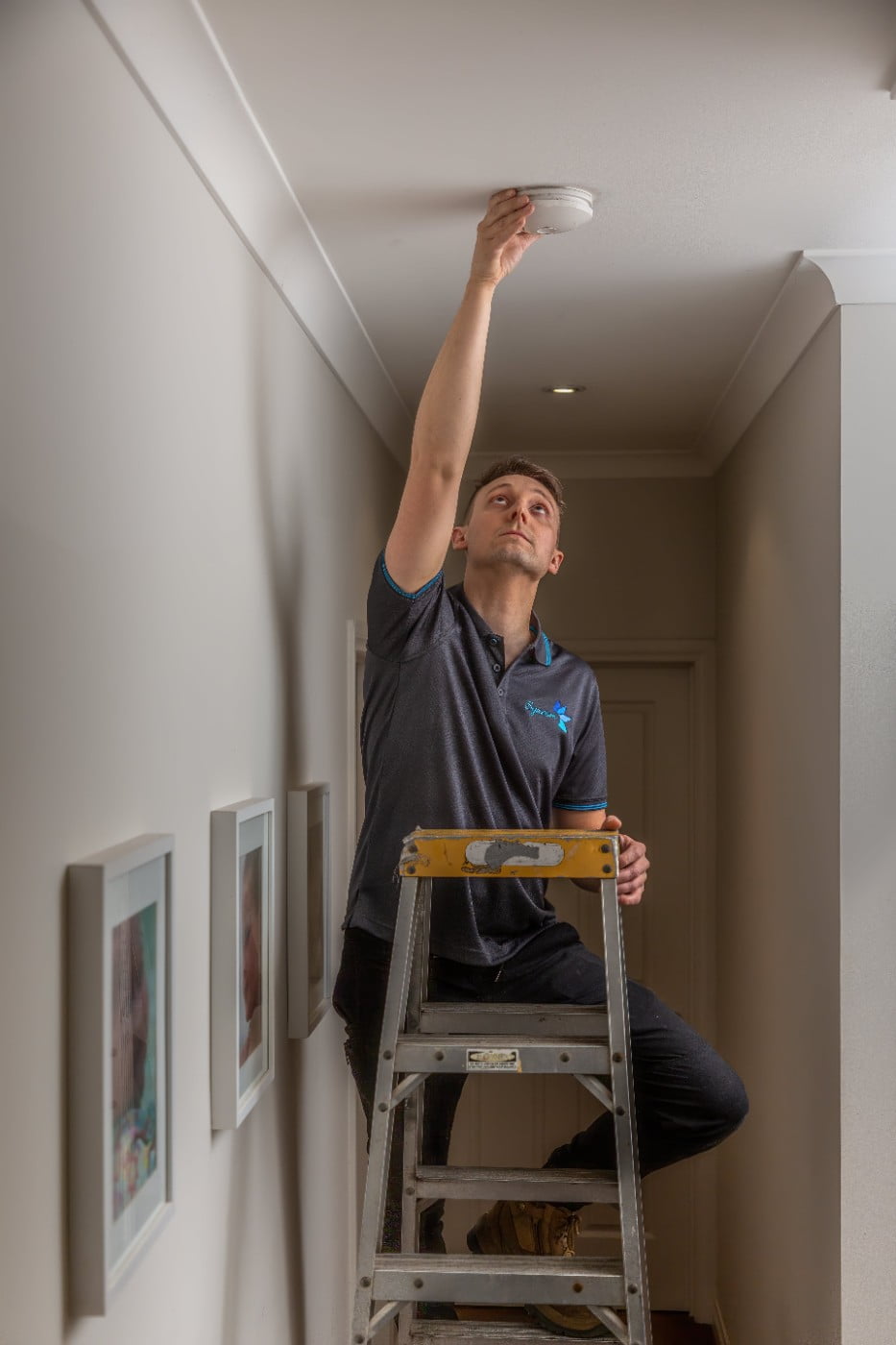
A Syncom technician checking a smoke alarm

Problem

Every work order meant another tenant to chase

Each work order from a real estate agent left Syncom with the same task: contact the tenant and arrange a suitable time. As work orders came in, so did the calls and booking admin.

Out of reach in business hours

Tenants were often not available for contact during business hours.

Repeated calls to the same tenant

The same tenant had to be called again and again to reach them.

No simple way to choose a time

Tenants could not easily see the available times and choose one themselves.

Solution

From a new job to a scheduled visit

Syncom uses Formpiece’s service booking form for Simpro with Work Order to Booking to automate tenant invitations and scheduling.

  • A booking form made for the jobWhen a job is created in Simpro, Formpiece creates a personalised booking form for the tenant, with the job details already included.
  • A booking link sent through PodiumFormpiece connects to Syncom’s Podium account, which sends the tenant an automatic text message with their link.
  • The tenant books, Simpro updatesThe tenant chooses from available times, and the visit is scheduled in Simpro automatically.
1New jobSimproSmoke alarm checkReservoir VICSite contactTenantAgentReal estate agentNew job 2BookingFormpieceAgent logoBOOK YOUR VISITSmoke alarm checkReservoir VICTueWedThuConfirm booking 3Text messagePodiumHi, your smoke alarmcheck is ready tobook. Choose a timethat suits you:Book your visitSent automaticallyDelivered 4ScheduleSimproTechnician 1Technician 2NewTime picked by the tenantAdded to the scheduleautomatically 1New jobSimproSmoke alarm checkReservoir VICSite contactTenantAgentReal estate agentNew job 2BookingFormpieceAgent logoBOOK YOUR VISITSmoke alarm checkReservoir VICTueWedThuConfirm booking 3Text messagePodiumHi, your smoke alarmcheck is ready tobook. Choose a timethat suits you:Book your visitSent automaticallyDelivered 4ScheduleSimproTechnician 1Technician 2NewTime picked by the tenantAdded to the scheduleautomatically

Availability

Bookings that fit the region and the day’s work

Syncom works across all of Victoria, so the form is set up to show booking times that fit the service area and schedule for each address.

  • Availability by regionThe property address determines the region and which days the tenant can book.
  • Technicians already nearbyFormpiece checks for technicians already working nearby before offering a time, helping group visits in the same area.
  • Use time on existing jobsBookings can be made into time on existing jobs in Simpro, alongside work that is already scheduled.
RegionsFormpieceRegion 1Region 2 Region 1Available Tuesdays and Thursdays Region 2Available Mondays and Wednesdays AvailabilitySimpro8am10am12pm2pm4pm Technician 1 Technician 2 Technician 3 Technician 4 OpenNearbyOpenNearby OpenNearbyOpenNearby RegionsFormpieceRegion 1Region 2 Region 1Available Tuesdays and Thursdays Region 2Available Mondays and Wednesdays AvailabilitySimpro8am10am12pm2pm4pm Technician 1 Technician 2 Technician 3 Technician 4 OpenNearbyOpenNearby OpenNearbyOpenNearby

Agent branding

A booking form in each agent’s branding

Serve multiple agencies with a booking experience branded for each real estate agent, while keeping scheduling in Simpro.

  • Branded for the agentEach tenant sees their real estate agent’s branding on the booking form they open, which helps them recognise what the booking is for.
  • The same rules underneathEvery agent’s form uses Syncom’s booking rules for regions, nearby technicians and available times.
Book your smoke alarm check Choose a day and time that suits you. Reservoir VICSmoke alarm check Choose a day Tue10 Nov Wed11 Nov Thu12 Nov Choose a time 8am to 10am 10am to 12pm 12pm to 2pm 2pm to 4pm Confirm booking Example Realty Wed11 Nov 10am to 12pm Arranged for Example Realty Sample Property Thu12 Nov 12pm to 2pm Confirm booking Arranged for Sample Property

Results

A third of 250 work orders booked before follow-up

When 250 new work orders arrived over a few days, tenants booked a third of them before Syncom’s team intervened. That is less tenant chasing when the office is busiest.

We had a big uptick of 250 new work orders in the last few days, and the booking system managed to get a third of that booked in before we touched it.

Syncom
33%

of that 250-work-order surge booked before follow-up

20+

admin hours saved

Less tenant chasing

Tenants who book through the link can arrange their visit without a booking call from the office.

Less pressure during a surge

When work orders spiked, bookings started coming in on their own.

The right visit, nearby

Tenants choose from times based on their region and nearby technicians, helping keep visits practical for the team.

Service real estate agents? Spend less time chasing tenants.

Use Formpiece to turn new Simpro jobs into personalised tenant booking links. Connect Podium to send the text, let tenants choose from available times, and have the visit scheduled in Simpro. Give your office more time to manage the work coming in from your agents.
